How to Use the Built-in Letter Embroidery Function on Your 15-needle Embroidery Machine (Easy Step-by-Step Guide)
By WUMSTOT & KILOApril 6th, 20251384 views
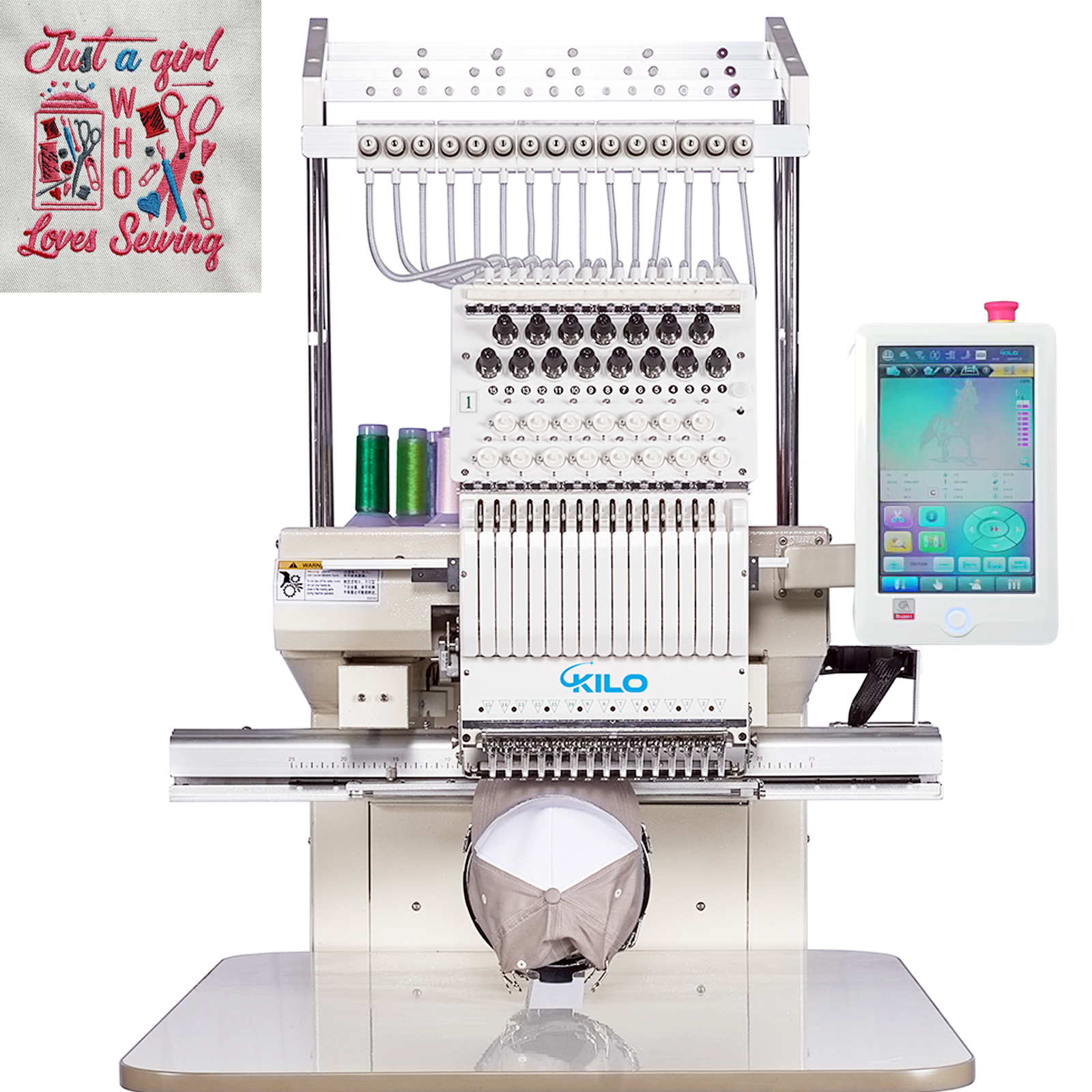
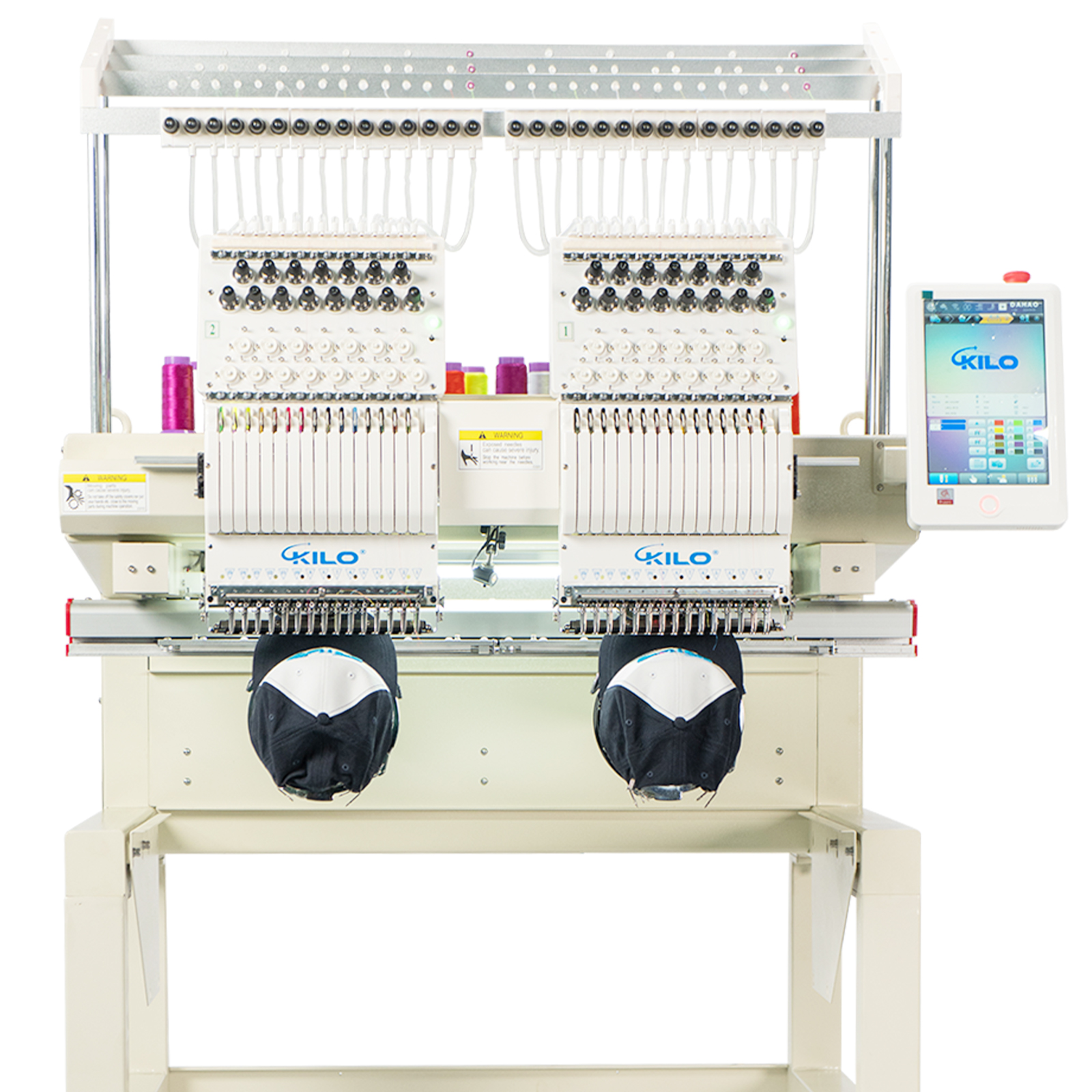
Thank You for Choosing Our WUMSTOT&KILO Embroidery Machine! We sincerely appreciate your trust in our product. To help you get started with letter embroidery, we've prepared this comprehensive guide to master your machine's built-in 15-needle alphabet function.
Detailed Description:
This step-by-step tutorial will walk you through all aspects of using your machine's advanced 15-needle letter embroidery system. You'll learn:
Accessing the Letter Function How to navigate to the built-in alphabet embroidery mode
Need help? Contact our support team at service@wumstot.com or call [+1-213-708-7008]. or contact Daniel .
Happy embroidering!
Why This Matters: The 15-needle system allows for professional-quality text embroidery without constant thread changes, saving you up to 70% production time compared to single-needle machines.
"Master letter embroidery in under 30 minutes with this professional guide!"